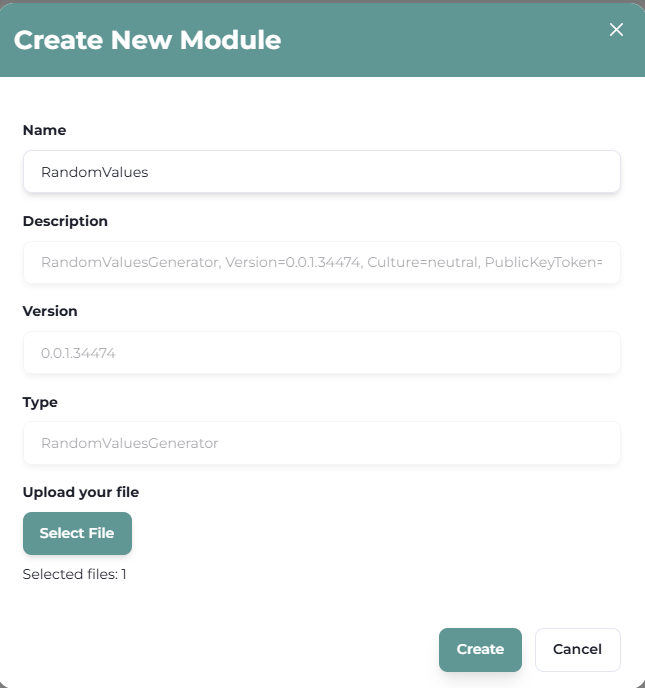
Before you can deploy any modules to any node, you will need to import the modules into the WebUI
- Click on main menu
- Click on "Modules"
- Click on "New Module"
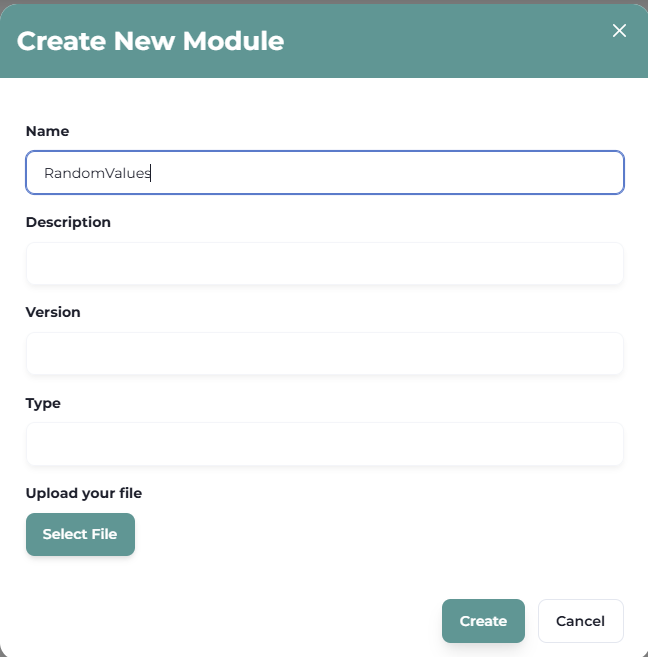
| Field | Description |
| Name | Input any desired name for your module |
| Description | Will automatically be filled. |
| Version | Will automatically be filled. |
| Type | Will automatically be filled. |
| Upload your file | Search for the ".dll" file of the module. |
Select the file "*.dll" of the module you wish to import. Module dll are located at C:\vNode\Modules

Once select, the WebUI will recognize all automatic fields and the module will be imported.